How LoopMyAudio Works
LoopMyAudio is a simple browser-based tool for repeating audio. You can record your own voice or choose an existing audio file, then play it continuously without having to press play again every time it ends.
Record Your Voice and Repeat It
If you want to practice or memorize something in your own voice, you can record it directly from your browser.
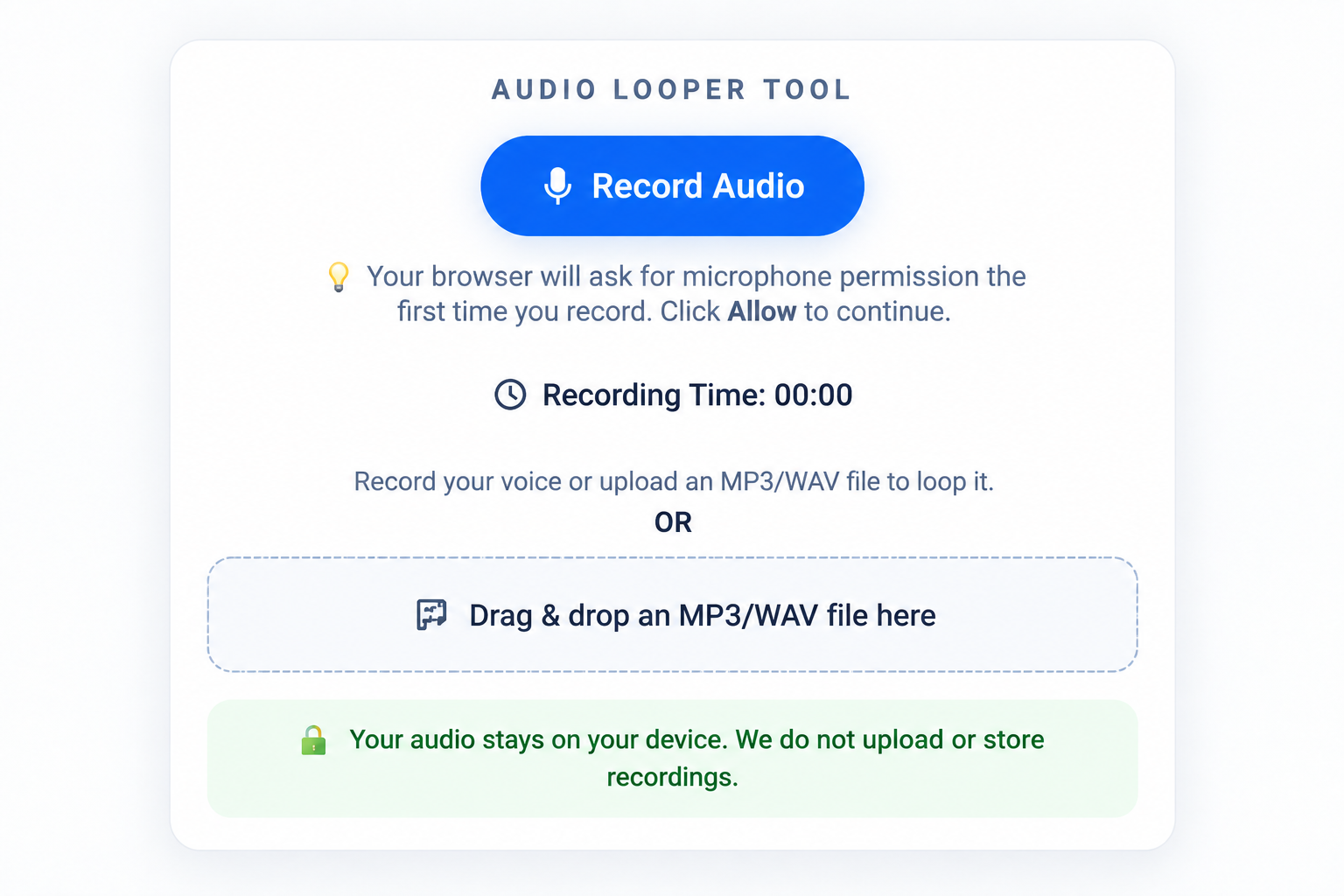
- Open the LoopMyAudio tool.
- Click Record Audio.
- Allow microphone access if your browser asks for permission.
- Say whatever you want to repeat.
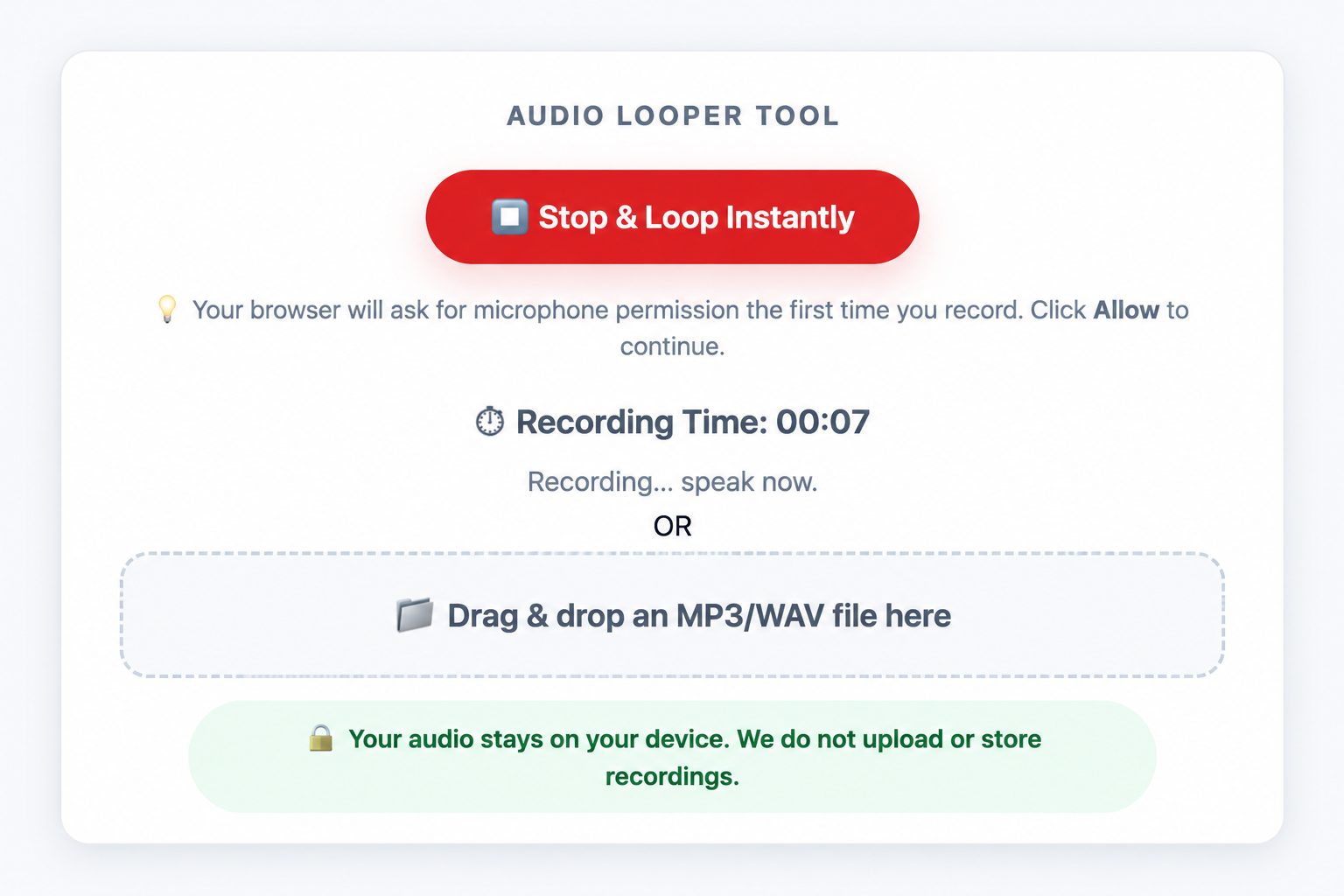
- Click Stop & Loop Instantly when you're finished.
- Your recording will start playing repeatedly.
While You're Recording
Once recording starts, you'll see the recording timer running. Speak normally and record the phrase, speech, notes, prayer, or anything else you want to repeat.
After You Stop Recording
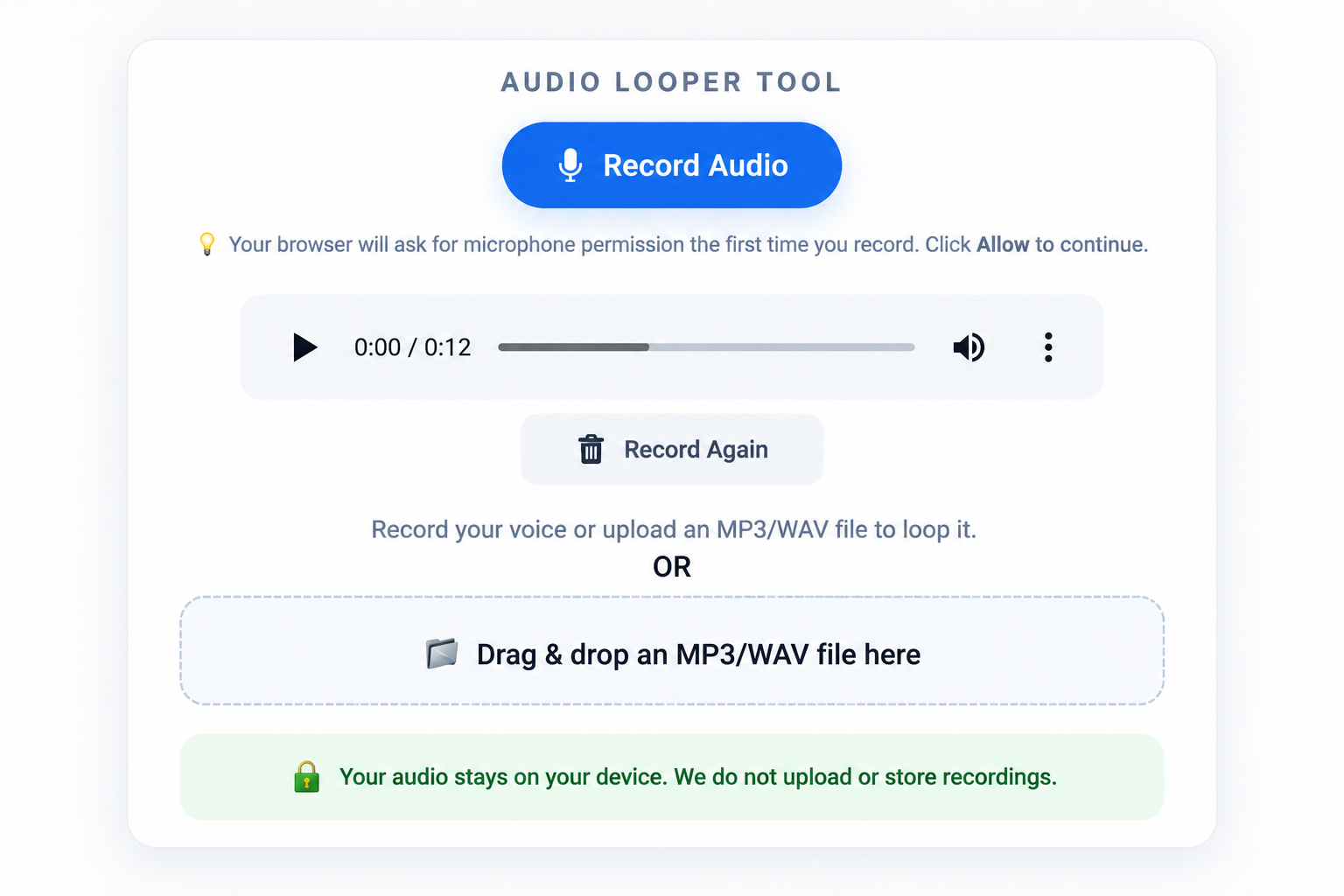
When you stop recording, your audio becomes available in the player and can begin playing repeatedly. You can listen to it for as long as you need or record something new.
This can be useful for memorizing speeches, study notes, vocabulary, prayers, pronunciation, affirmations, or anything else you want to hear more than once.
Loop an Existing Audio File
Already have a recording on your phone or computer? You can loop that too.
- Open LoopMyAudio.
- Click the audio file area or drag and drop your file into it.
- Select the recording you want to use.
- The audio will start playing continuously.
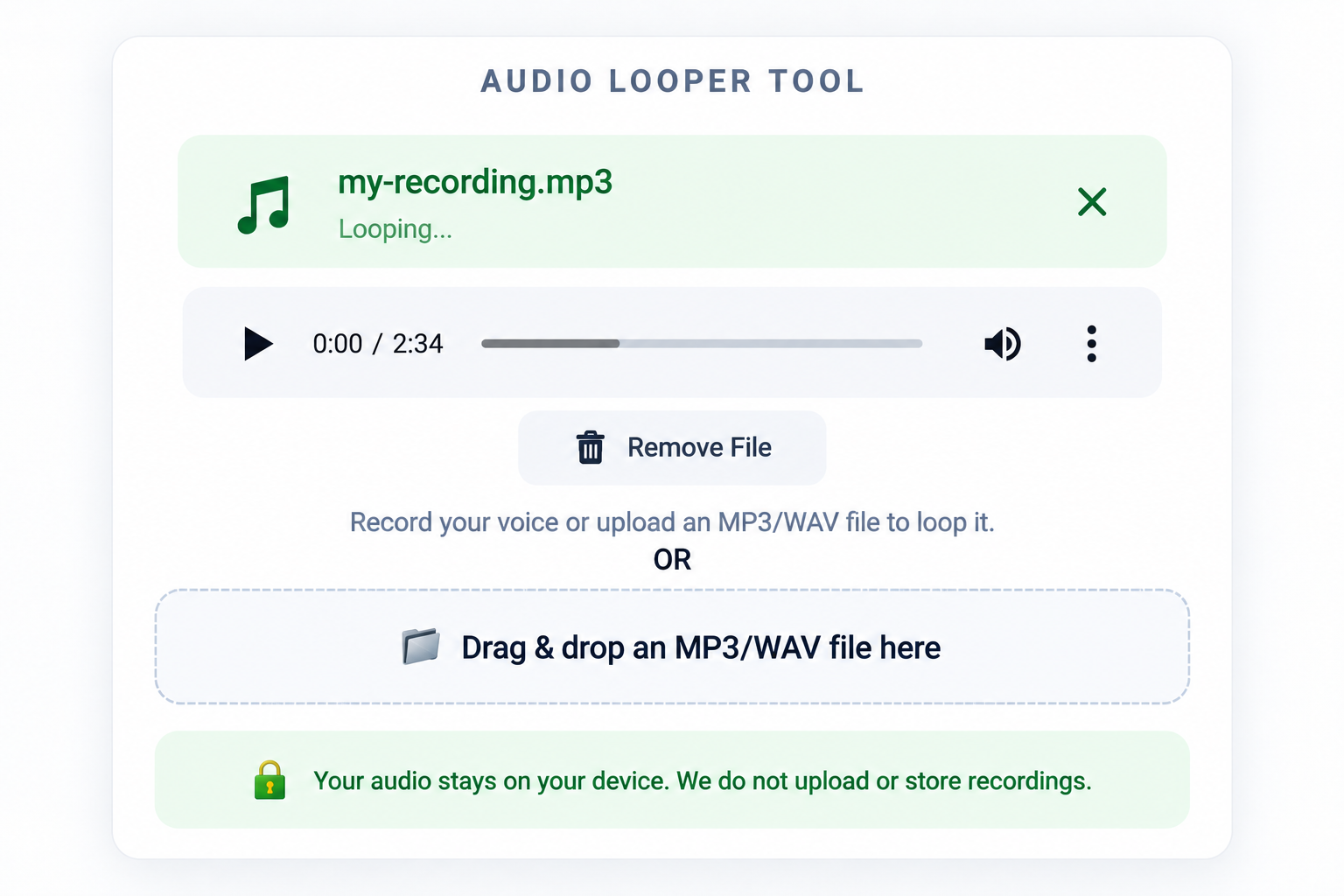
You don't have to manually restart the recording every time it finishes. Just leave it playing while you listen, study, practice, or memorize.
Your Audio Stays in Your Browser
LoopMyAudio processes your recording or selected audio file locally in your browser. Your audio is not uploaded to our servers just to create the loop.
You also don't need to create an account or sign in before using the tool.
This makes LoopMyAudio useful for personal recordings such as study notes, speech practice, prayers, language exercises, and voice recordings.
What Can You Use Audio Looping For?
Repetition can be useful whenever you want to become familiar with the wording, pronunciation, rhythm, or sound of something.
- Memorizing a speech or presentation
- Practicing vocabulary in another language
- Improving pronunciation and listening
- Repeating study notes
- Memorizing prayers or verses
- Practicing music or vocals
- Listening to affirmations
- Repeating meditation or relaxation audio
No Complicated A-B Looping
Some audio apps come with editing tools, playlists, markers, and A-B loop controls. Those features can be useful, but sometimes you simply want the entire recording to repeat.
That's what LoopMyAudio is designed for:
Record or choose your audio → play it repeatedly.
A Few Things to Know
Your browser may ask for microphone permission before recording. You only need to allow it if you want to use the voice recorder.
If you're using an existing recording, audio format support can vary slightly between browsers and devices. Most common audio formats supported by your browser should work normally.
Because the tool works inside your browser, refreshing or closing the page will end the current audio session.
Ready to Try It?
Go to the LoopMyAudio Audio Looper, record something or choose an audio file, and let it repeat for as long as you need.